 PrintrueSee pricing
Print at true size.
One-minute printer check, PDF patterns at 100%, posters on A4. No ads, no account, no watermark.
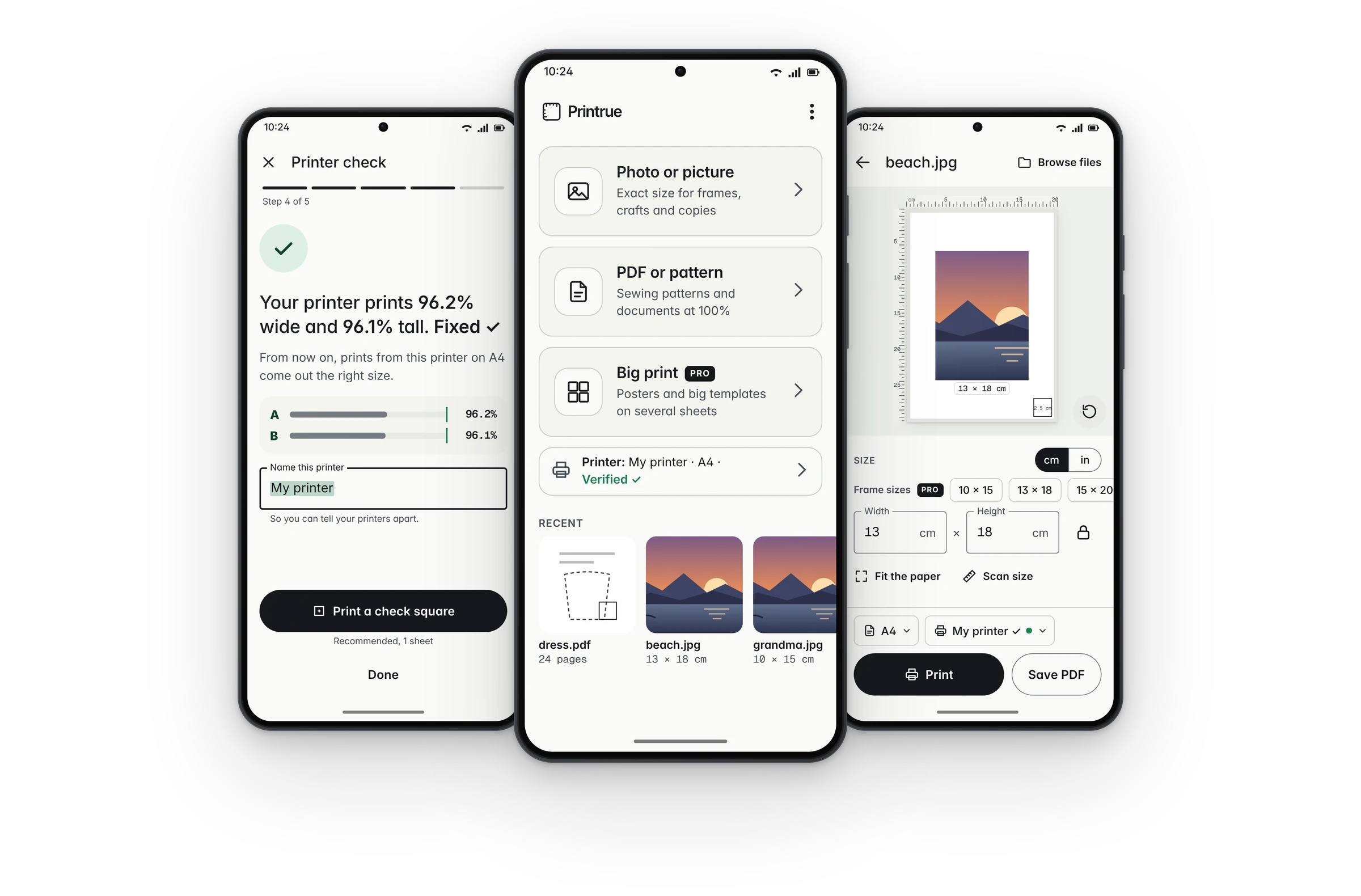
The size you choose is the size you get.
Phone printing often comes out a little too small, because the print screen quietly shrinks pages to fit. Printrue checks your printer once, then prints at true size.
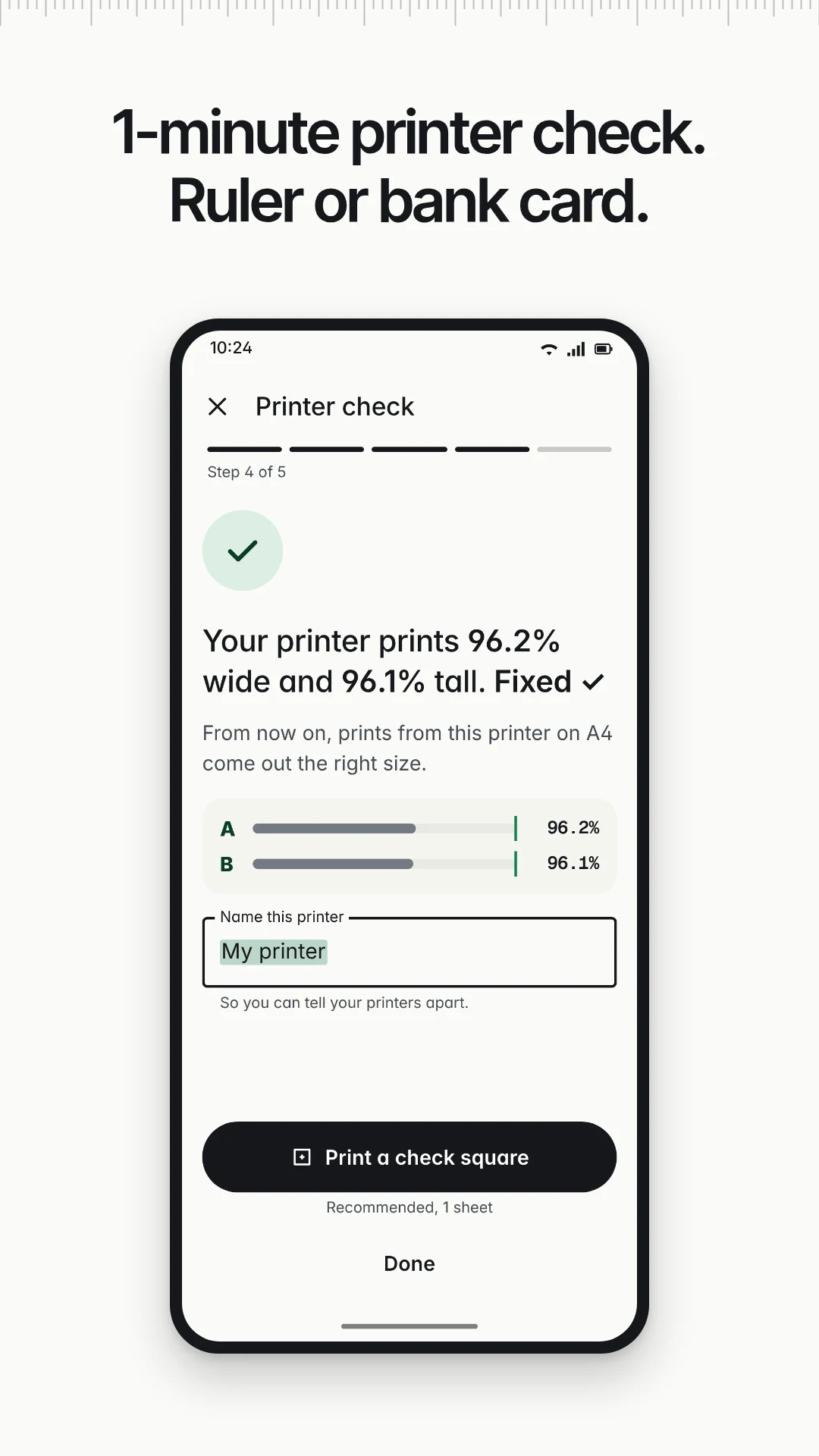
1-minute printer check
Print one check page and measure two arrows with a ruler or any bank card. Width and height are fixed separately, for each printer and paper.
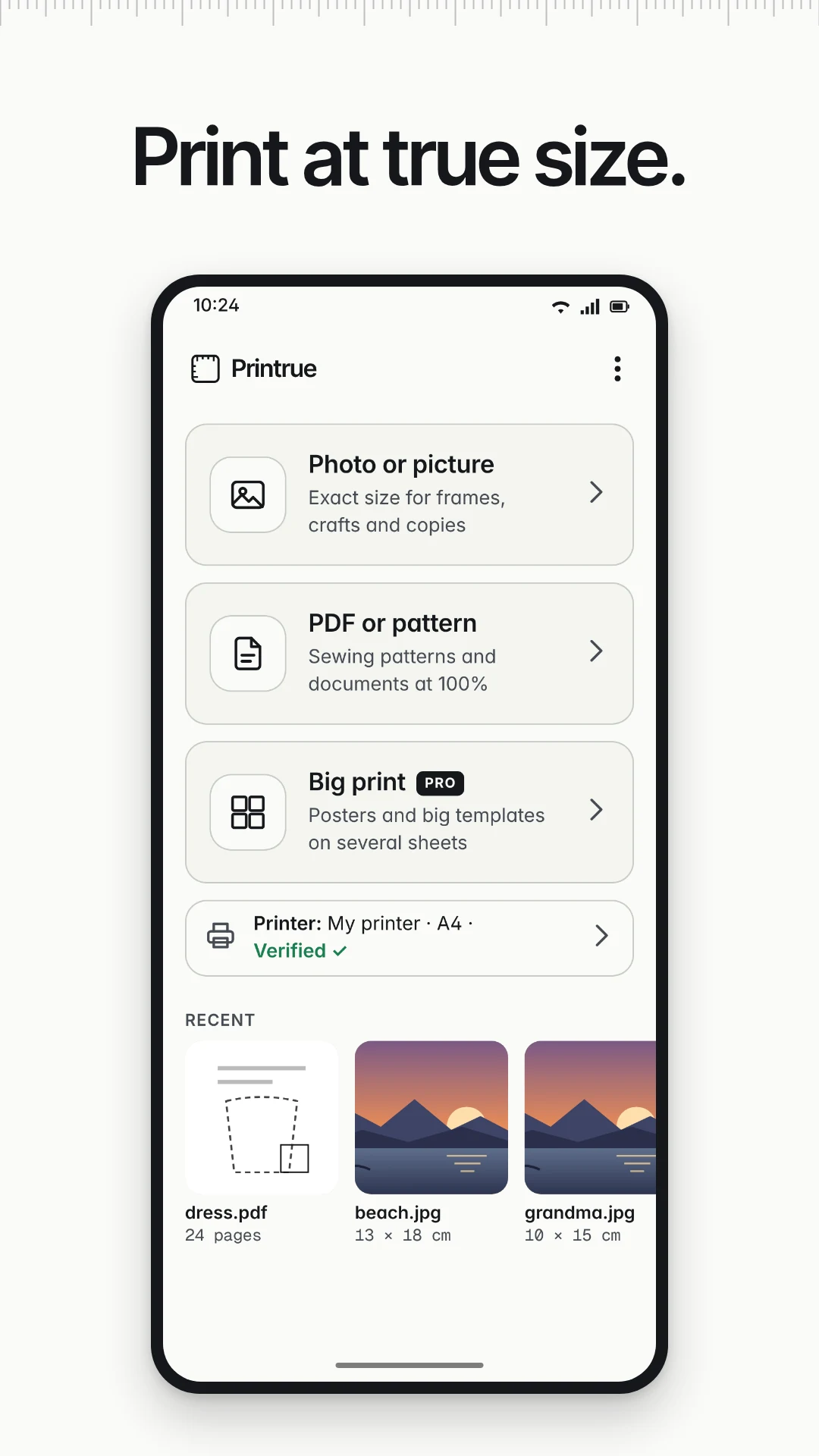
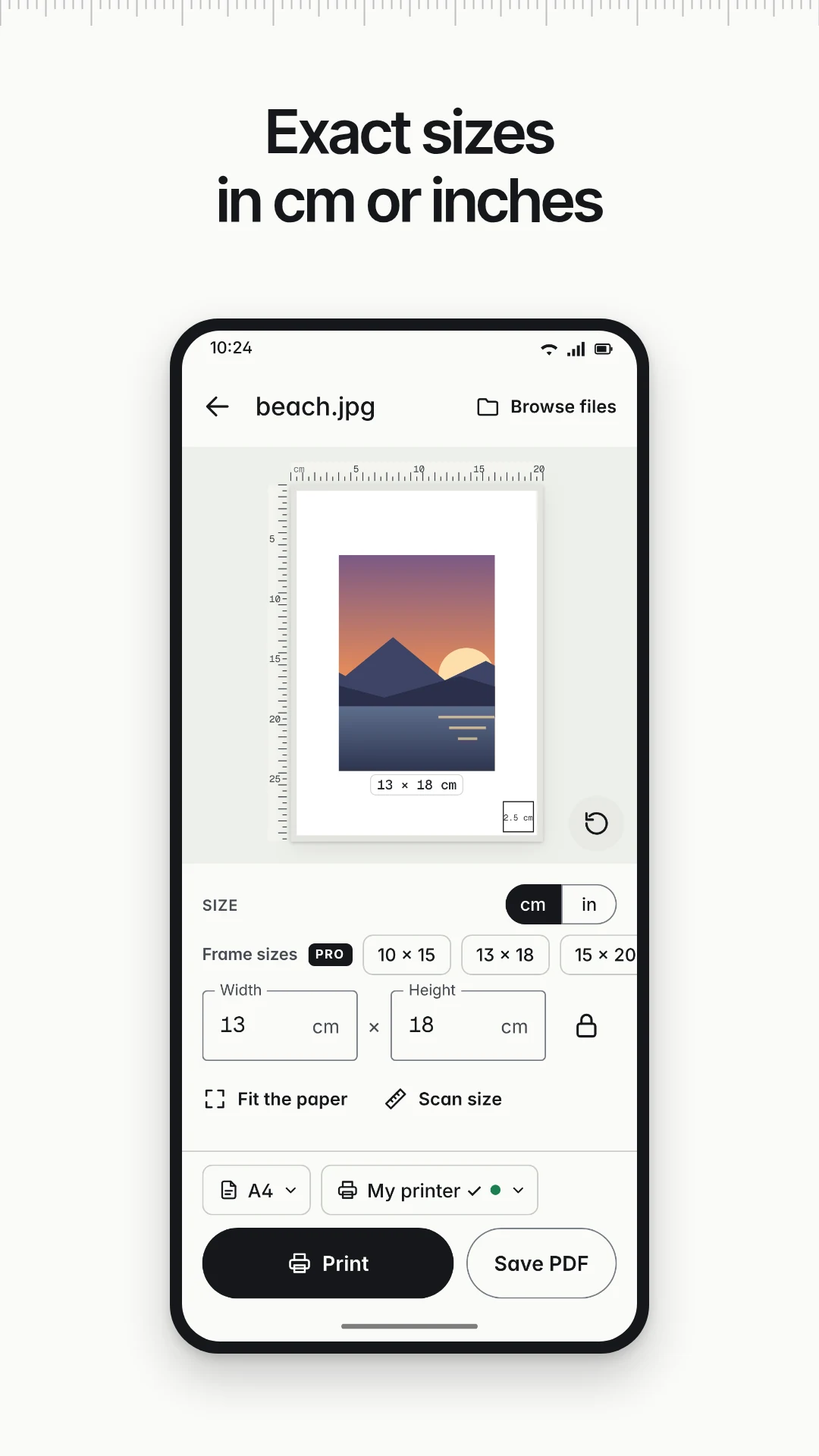
Photos at an exact size
Type any size in cm or inches, like 12.5 × 8 cm. Or tap Fit the paper. A simple hint tells you if the photo is sharp enough.
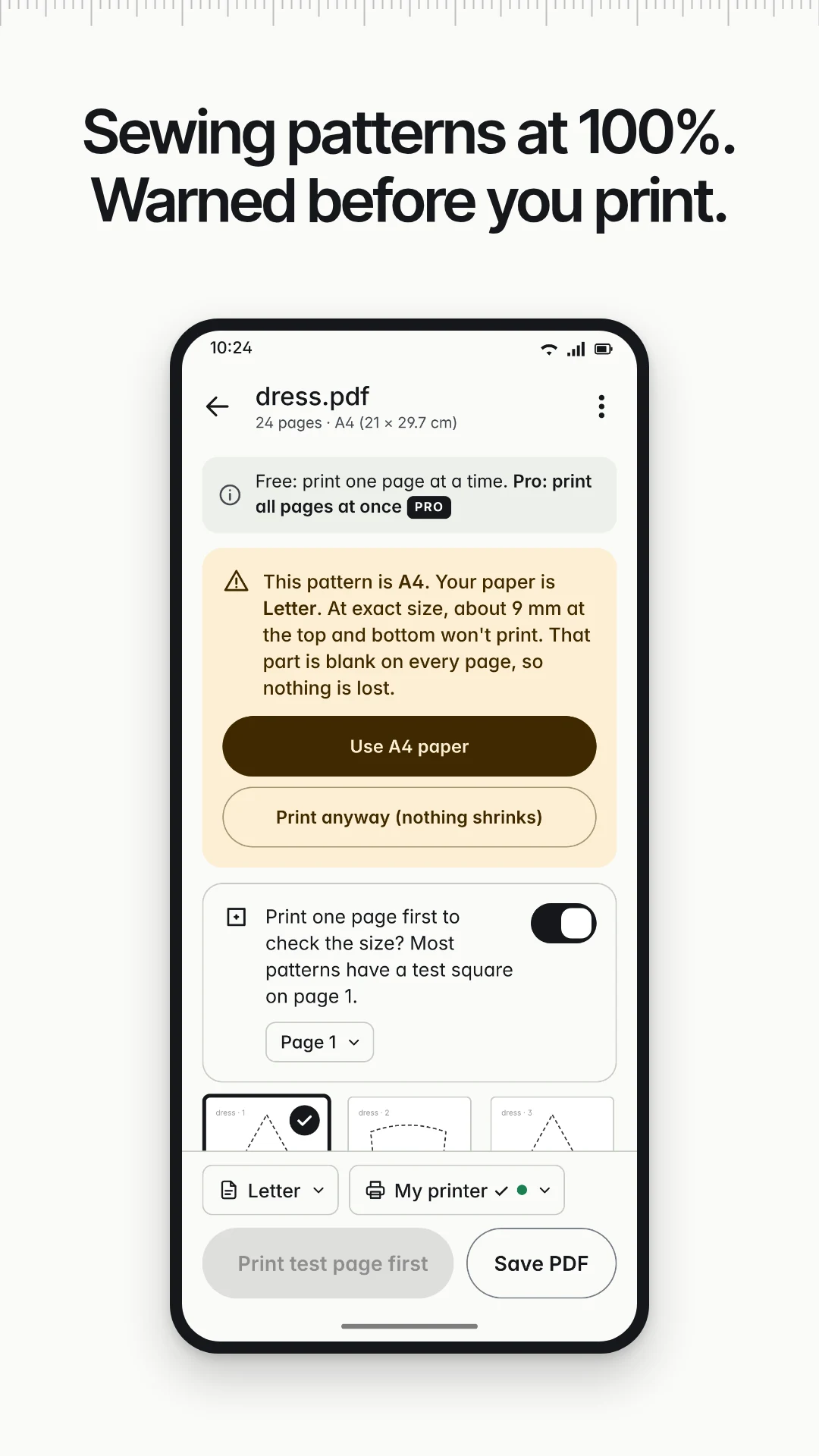
PDF patterns at 100%
Sewing and craft patterns print at 100% and never shrink to fit. Printrue warns you before printing if your paper doesn't match the pattern.
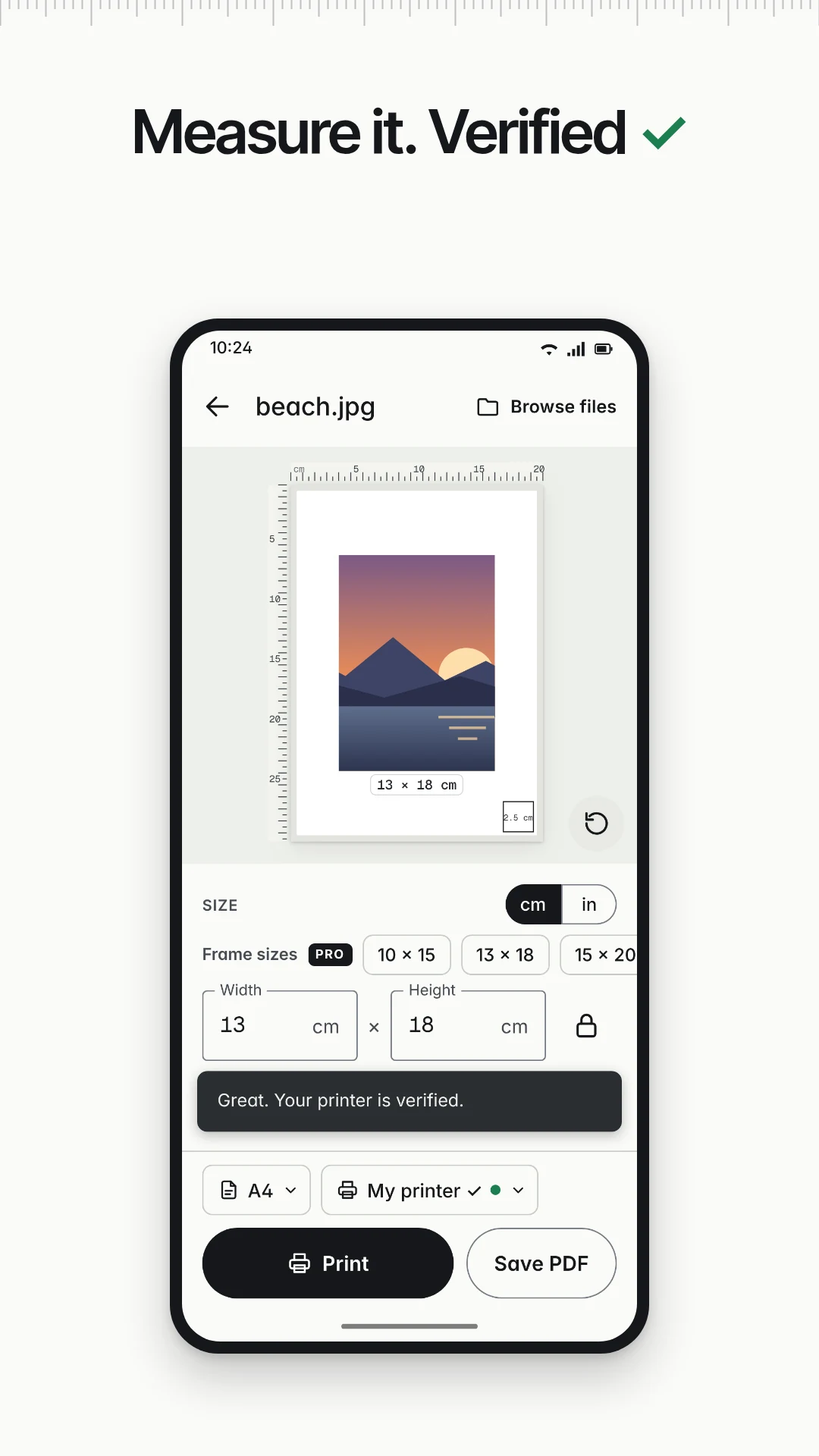
Measure it. Verified ✓
Prints can carry a small check square. Measure it, tap Yes, exact, and your printer shows Verified ✓.
Save PDF or share
Save an exact-size PDF for your own printer or for a print shop, or share it. Unlimited prints, no watermark.
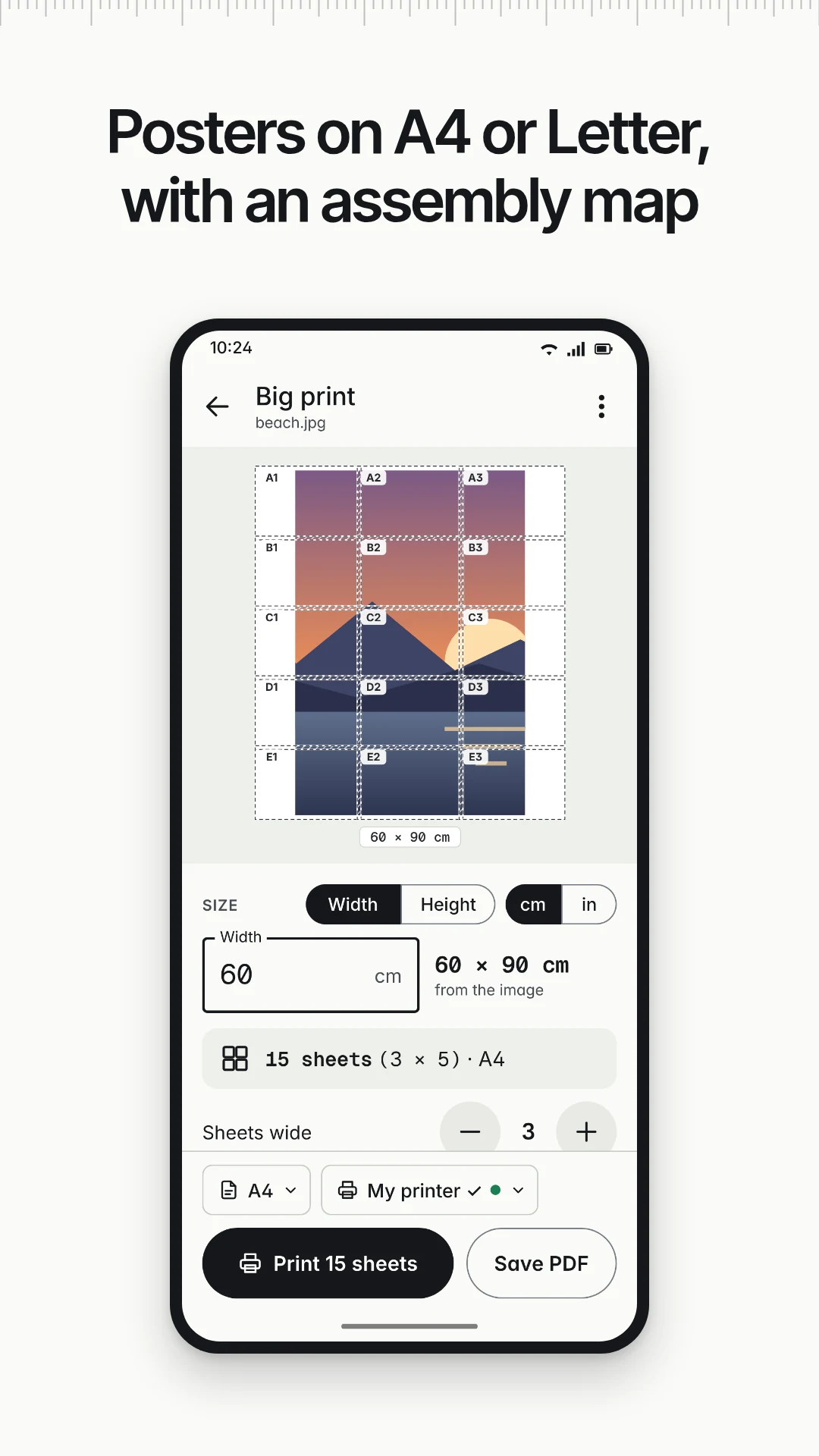
Big printPro
Posters on A4 or Letter sheets, with overlaps, cut lines, line-up crosses, numbered sheets and an assembly map.
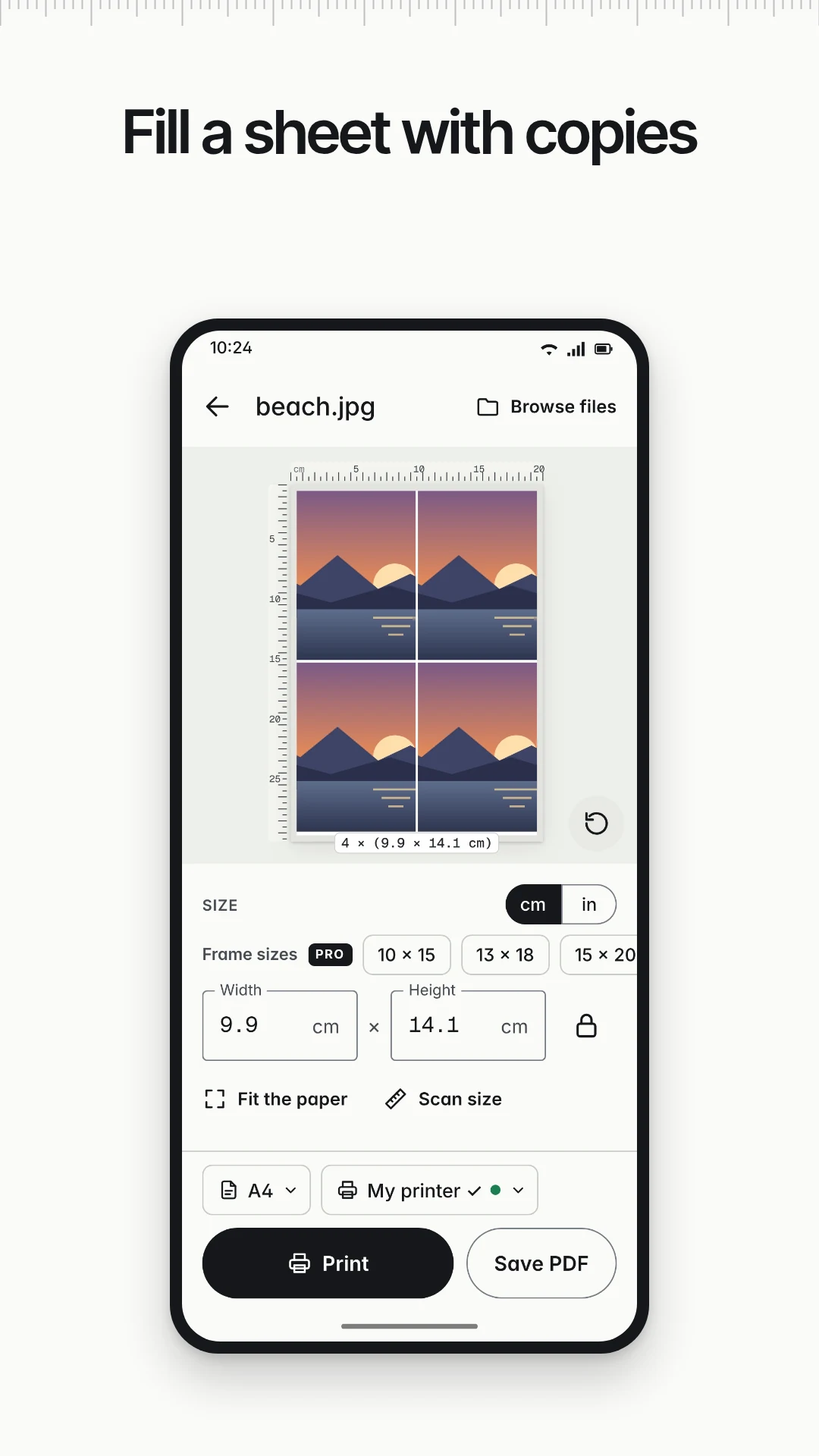
Fill the sheetPro
Several copies of a photo, or several photos, on one sheet. Frame sizes such as 10 × 15 cm and 4 × 6 in in one tap.
All pages at oncePro
Print all the pages of a PDF, or the ones you pick, in one go instead of one page at a time.
See it in action.
Free to print. Pro if you want more.
Everything you need for exact prints is free. Pro adds bigger layouts.
Exact-size printing for photos and PDFs, with unlimited prints.
- Printer check with a ruler or a bank card, saved for each printer and paper
- Measure the check square: Verified ✓
- One photo per sheet at an exact size, Fit the paper, Scan size
- One PDF page per print at 100%, any page
- Paper-mismatch and edge warnings, test-square page first
- Save PDF for your printer or a print shop, and share
- Recent items
- Unlimited prints. No ads, no account, no watermark
Pro: pay once, no subscription.
- Frame-size presets in one tap
- Fill the sheet: several copies or several photos on one sheet
- All pages, or several pages, of a PDF in one print
- Big print: posters on several sheets with an assembly map, from photos and oversized PDF pages
Pro is a one-time purchase through Google Play, which shows the price before you buy. Restore Pro on a new device with the same Google account. See the Terms of Use for details.
We read every message.
A print that came out the wrong size, a printer that won't show up, or a feature request? Write to us and we'll usually reply within a couple of days.
Email supportWhy do my prints come out a little too small?
The print screen on your phone often shrinks pages to fit. Run the 1-minute printer check once, then choose 100%, Actual size or None if your print screen shows a size or fit option.
Do I need an account or internet?
No. There's no sign-up and the app has no internet access. Your files are processed on your phone and never uploaded.
How does it print?
Printrue prints through Android printing, using your printer's plug-in or Mopria Print Service from Google Play. You can also save a PDF and print it another way.
How does Pro work?
Pro is a one-time purchase through Google Play. Restore it on a new device with the same Google account.
Can it make passport or ID photos?
Printrue prints the size you choose. It doesn't check passport or ID photo rules.